|
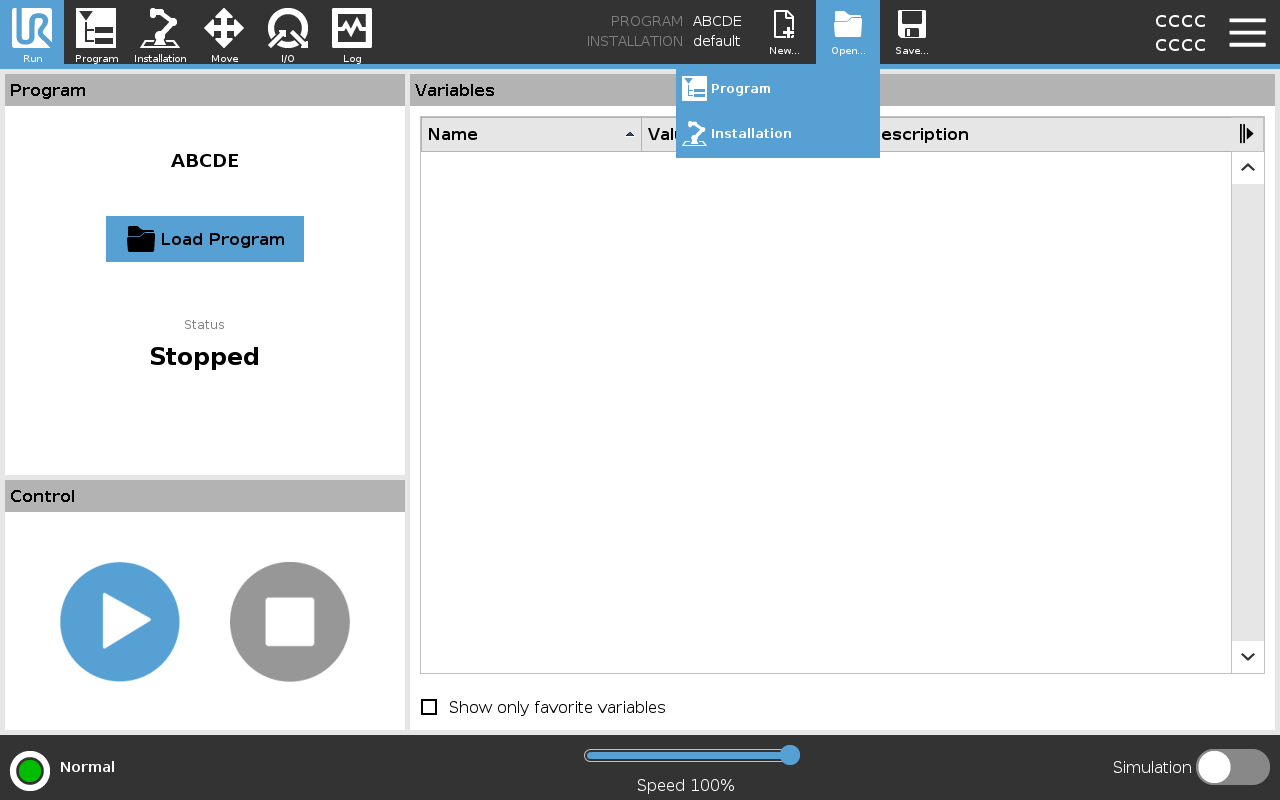
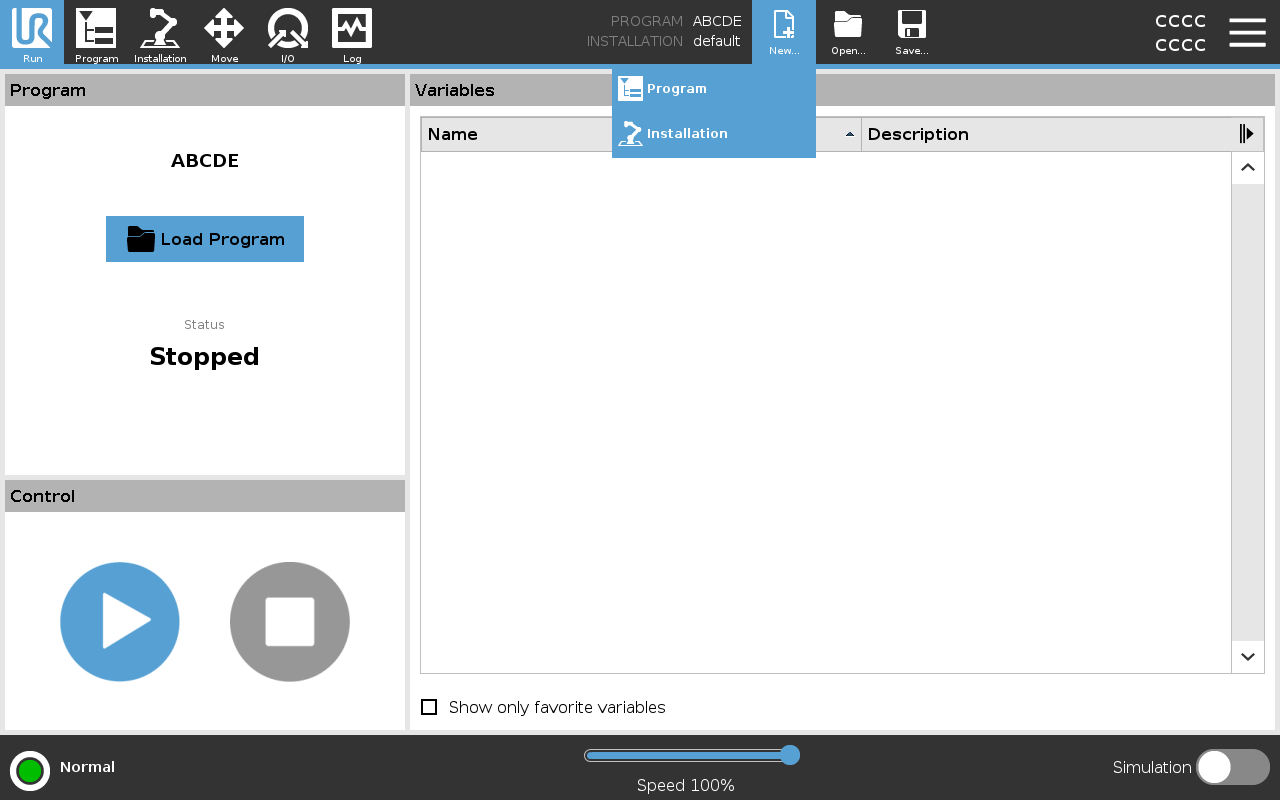
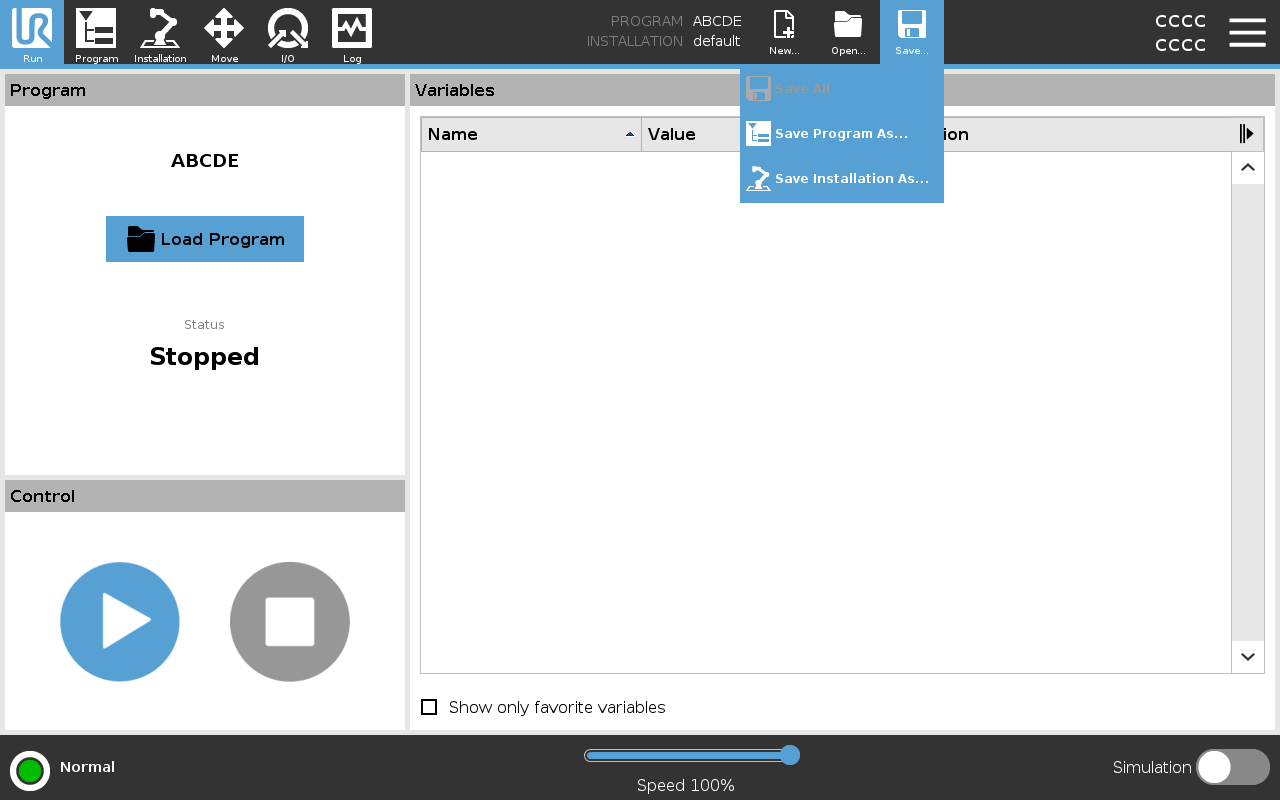
The Program and Installation Manager refers to three icons that allow you to create, load and configure Programs and Installations:
-
New...
Allows you to create a new Program and/or Installation.
-
Open...
Allows you to load a Program and/or Installation.
-
Save...
Offers saving options for a Program and/or Installation.
The File Path displays your current loaded Program name and the type of Installation.
File Path changes when you create or load a new Program or Installation.
You can have several installation files for a robot. Programs created load and use the active installation automatically.
|