Assembly and Mounting

Description

Install and power on the robot arm and Control Box to start using PolyScope.


Assemble the robot

You have to assemble the robot arm, Control Box and Teach Pendant to be able to continue.


  1. Unpack the robot arm and the Control Box.

  2. Mount the robot arm on a sturdy, vibration-free surface.

  3. Place the Control Box on its Foot.

  4. Connect the robot cable to the robot arm and the Control Box.

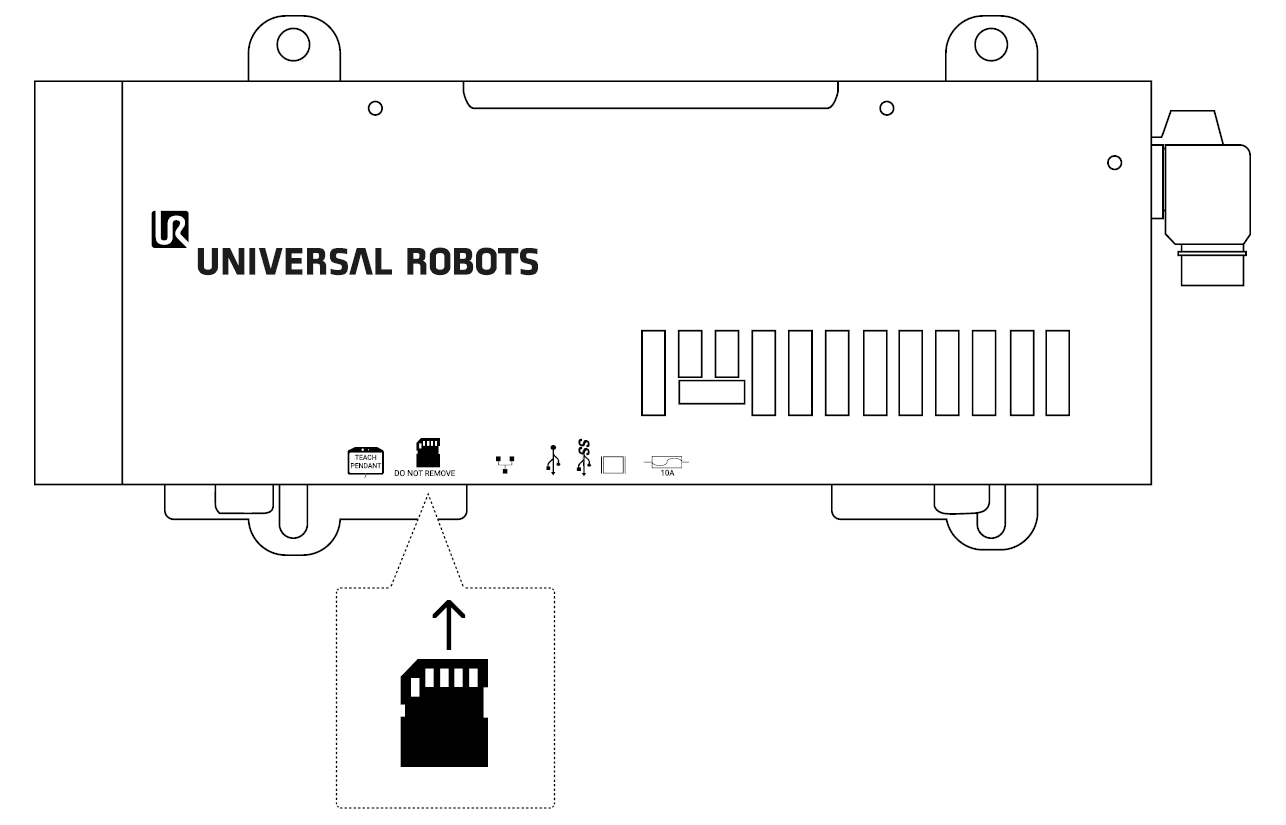
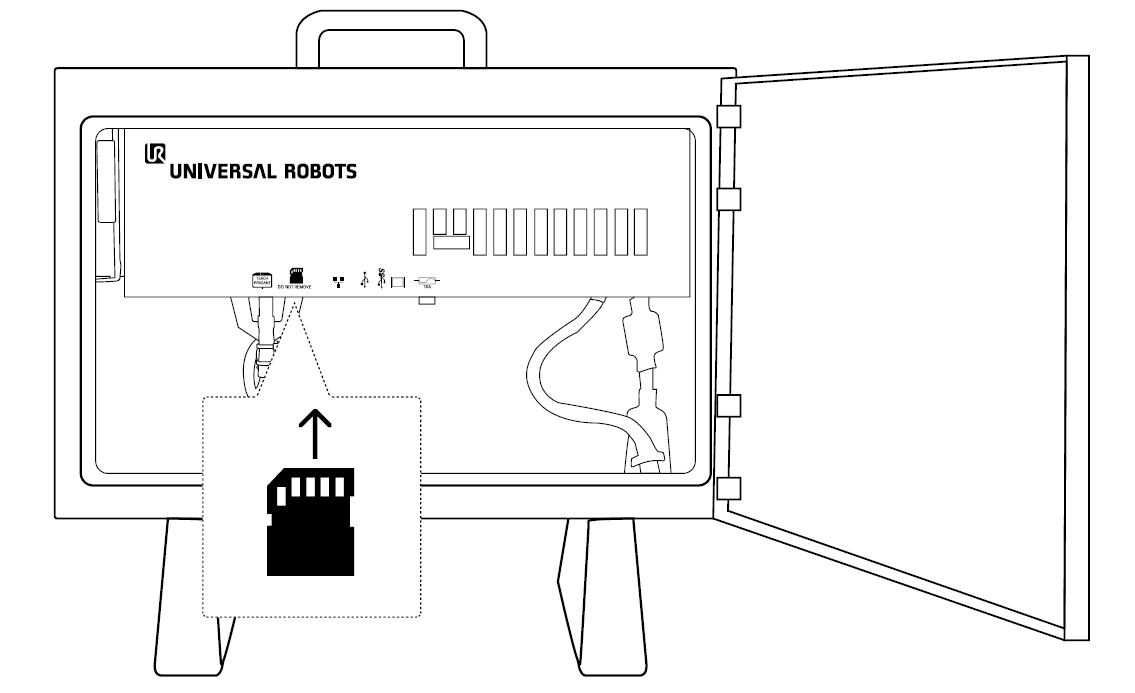
  5. Insert the SD-card into the Control Box.

  6. Plug in the mains, or main power cable, of the Control Box.

Failure to secure the robot arm to a sturdy surface can lead to injury caused by the robot falling.

  • Ensure the robot arm is secured to a sturdy surface.

Insert SD-card

OEM Control Box

Control Box